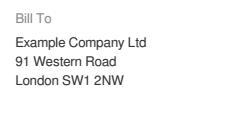
If you are using Trackly as a business, it's often important to have the name and the address of your company on Trackly invoices.
To accomplish this, head over to Account Settings.
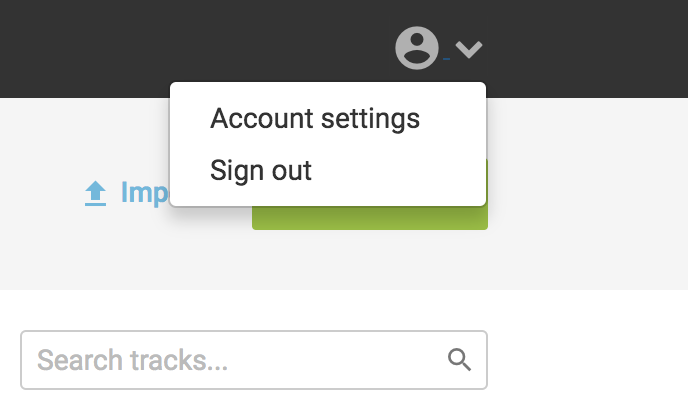
From there click on the Plans & Billing option, you'll then see the option to add company name & billing address.
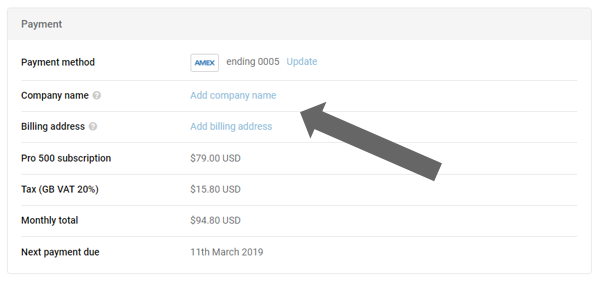
Add either company name or billing address, or both.
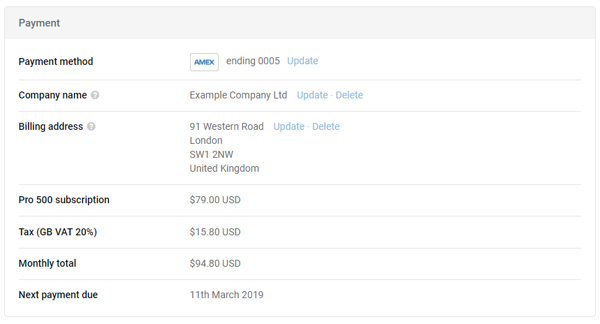
This is how these details will be shown on your invoice