What does this error mean?
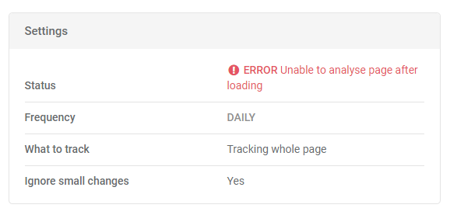
This error usually means that we've run into a problem when we've tried to analyse the structure of the page to determine what has changed.
Often this means the page will work just fine in your browser - but Trackly will throw this error.
How can I fix this error?
Try deleting and recreating the track. If it still errors in the same way, contact us and we'll try to figure out what's going on and fix it.